

Designing AI-powered experiences that turn Shopify store data into actionable insights, helping merchants make informed decisions and optimize store performance.
Customer problem
Customers of our Shopify HubSpot integration bring in data about Shopify store into HubSpot but are too busy and don’t have time to use that data to optimize their store and onboard onto to integration to get the most out of their data.
Business problem
As a business, we wanted to be at the forefront of AI, to ensure we are driving customer value and not just serving as a database connecting data from various customer platforms. Helping customers optimize their stores was directly tied to driving customer outcomes. This was also tied to higher activation of integration features, which is directly correlated to customer retention.
Solution
I designed patterns for a store performance agent, and subsequently proactive AI insights to help store owners in their decision making and take actions to optimize their store based on recommendations from the insights.
Current product experience
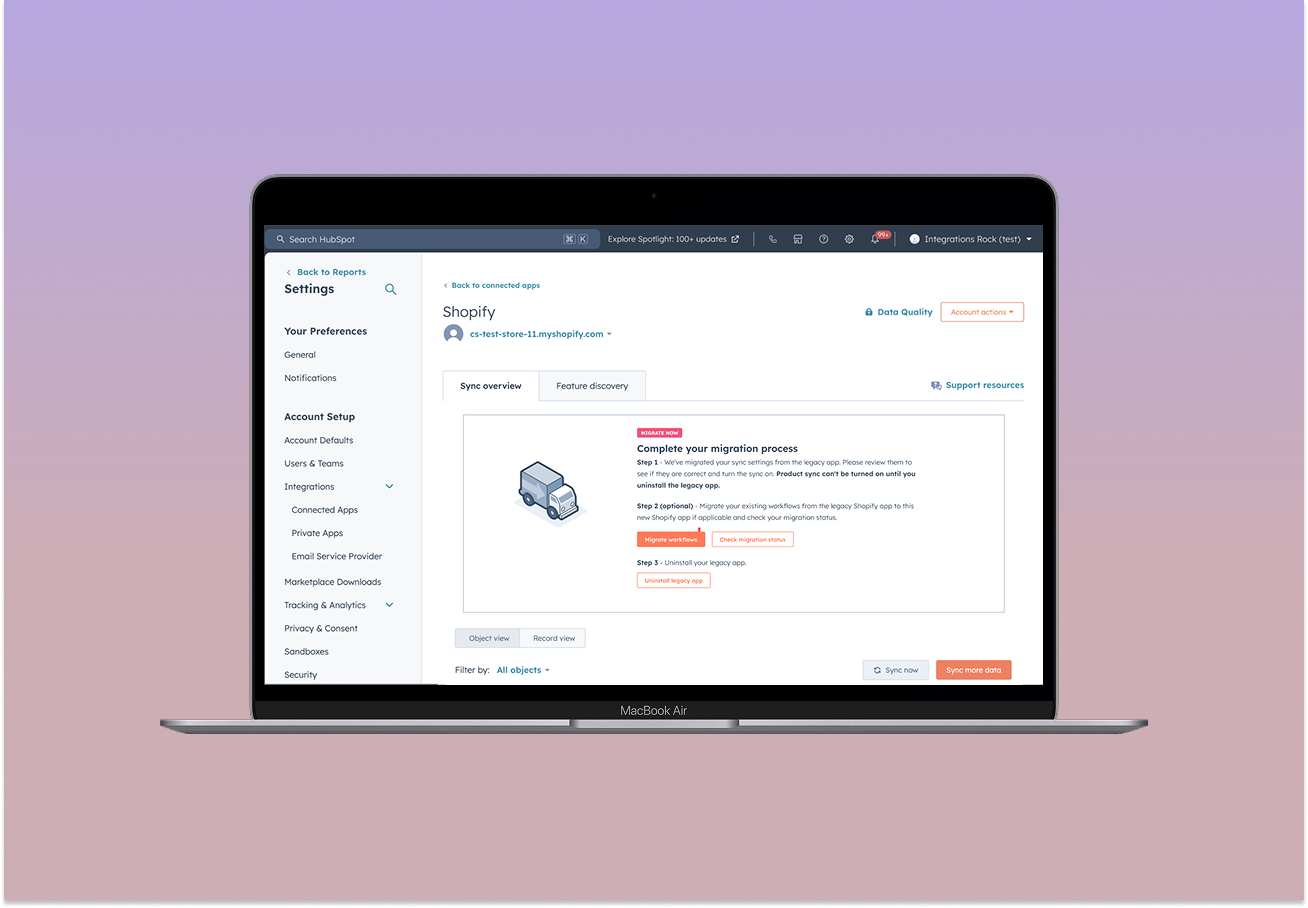
The HubSpot × Shopify integration brings e-commerce data - including customers, products, orders, and carts - into HubSpot's CRM.
Upon installation, users configure data syncs to map Shopify data to HubSpot objects. However, while the integration makes this data accessible, turning it into meaningful insights and actionable marketing strategies still requires significant manual effort from users.
Customer research and feedback
In late 2024, I led foundational e-commerce research that helped shape product strategy through 2025–2026. I conducted 9 semi-structured interviews with B2B and B2C customers, including Shopify merchants, to understand their purchasing behaviors, workflows, and unmet needs.
Customers needed a bigger picture
Merchants wanted visibility into purchasing trends and product performance across their business, rather than having to analyze individual customer records.
Insights needed to drive action
Customers wanted to translate purchasing patterns into targeted outreach, product recommendations, and automated workflows—not just view data.
Customers wanted proactive recommendations
Rather than manually analyzing data and identifying opportunities, customers wanted HubSpot to surface relevant insights, recommend next steps, and help automate them.

"I need an orchestrator. I need to tell the orchestrator - play me this music. Today I wanna hear pop music. So get the data and show me the pop music. I would like something more proactive that comes to me, not me having to go into HubSpot."
Alema Professional GmbH
"The only challenge I had is okay now that I have it installed what is it supposed to show? What am I supposed to learn out of this integration?"
VSB B2B Department Lead
In moving from the Shopify settings to the agent run screen, it made little sense to ask the users to input their store name again - I advocated for keeping it prefilled to ensure to reduce friction in running the agent.
As HubSpot expanded its investment in agentic AI, our team explored how these capabilities could help e-commerce merchants get more value from their connected store data.
Building on previously identified customer needs for actionable, proactive insights, we began exploring the Shopify Store Performance Agent - an AI-powered experience designed to help merchants understand their store performance and uncover meaningful insights.
Designing within the agent experience
The Store Performance Agent lived within HubSpot's emerging agent interface. I collaborated with the Agent Studio team, which owned the underlying interface and infrastructure.
My focus was on designing the Shopify-specific experience - from discovering and setting up the agent to asking questions, interpreting responses, and uncovering opportunities in store data.
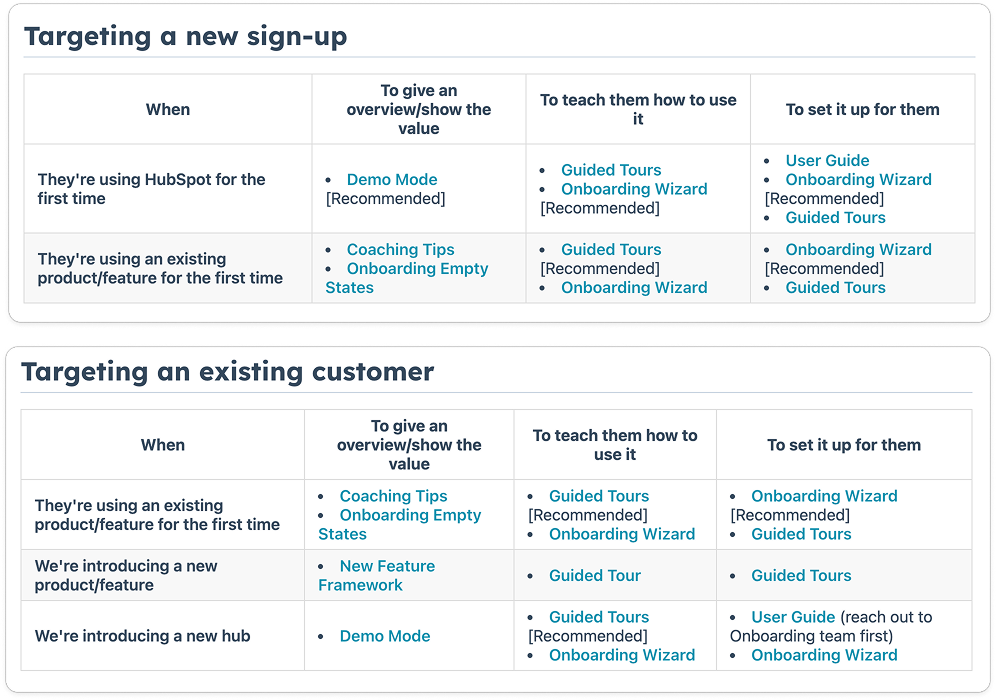
The Store Performance Agent lived in Agent Studio, but users' touchpoints with the Shopify app in HubSpot was either through the settings page and other areas where their data synced (like orders, etc). While adding an entry point in the Shopify settings was relatively straightforward, the broader design consideration was how the agent fit into the user's existing journey.
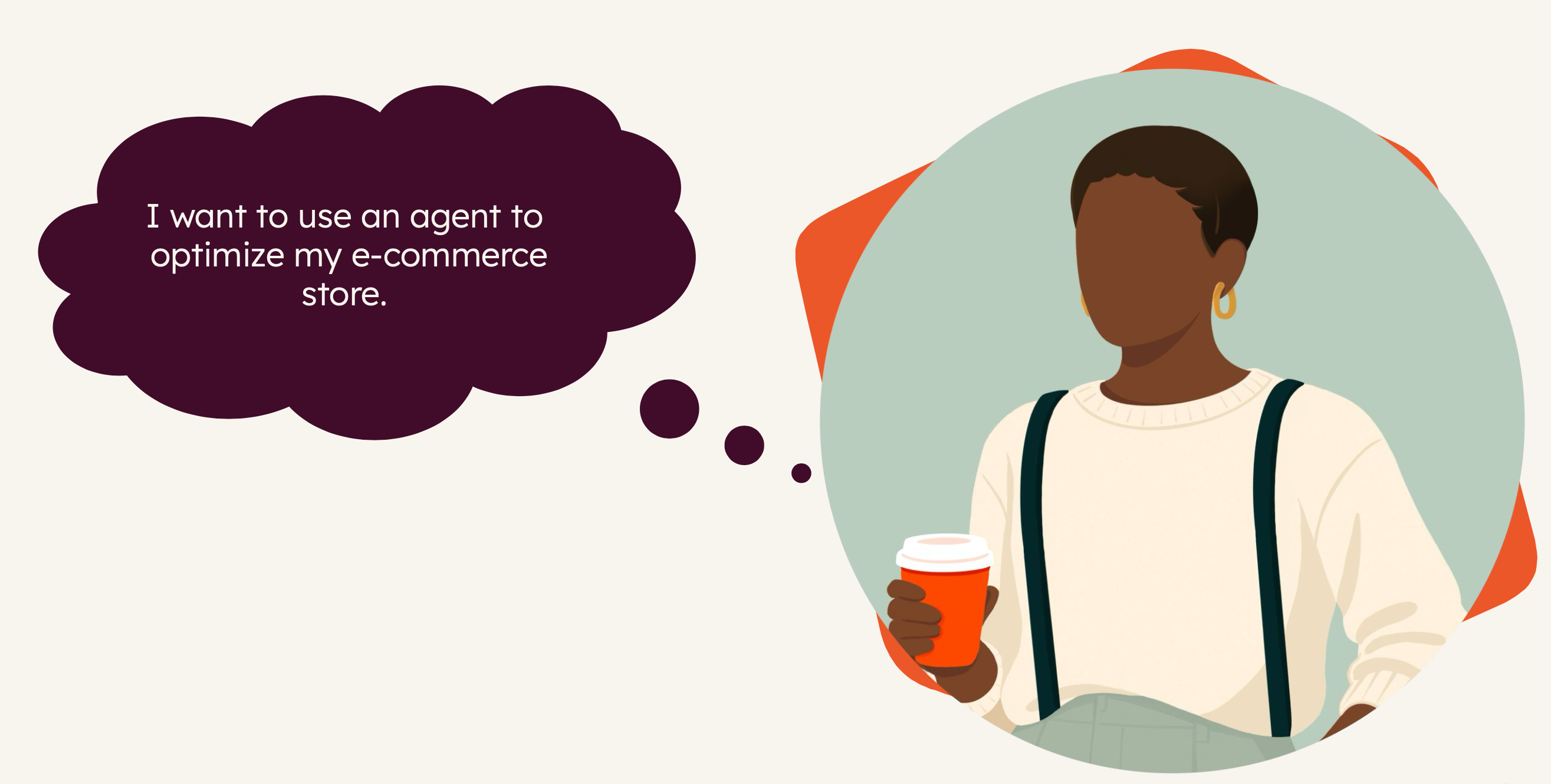

This meant thinking beyond the agent interface to how users would encounter its capabilities in the context of managing their store, and centering the experience around the goals the user wants to accomplish (and that goal doesn't involve using an agent).
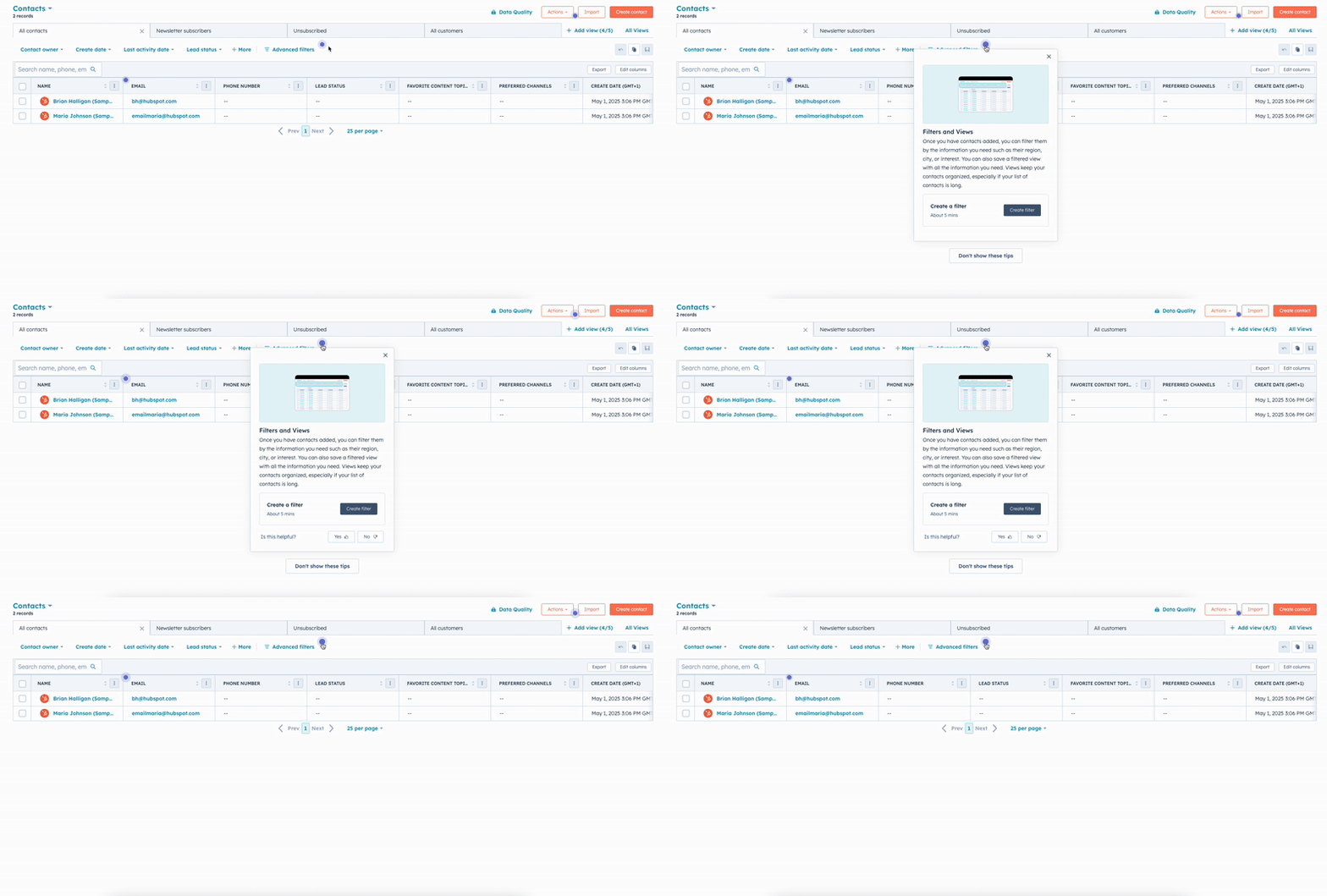
I mapped
In moving from the Shopify settings to the agent run screen, it made little sense to ask the users to input their store name again - I advocated for keeping it prefilled to ensure to reduce friction in running the agent.
In moving from the Shopify settings to the agent run screen, it made little sense to ask the users to input their store name again - I advocated for keeping it prefilled to ensure to reduce friction in running the agent.
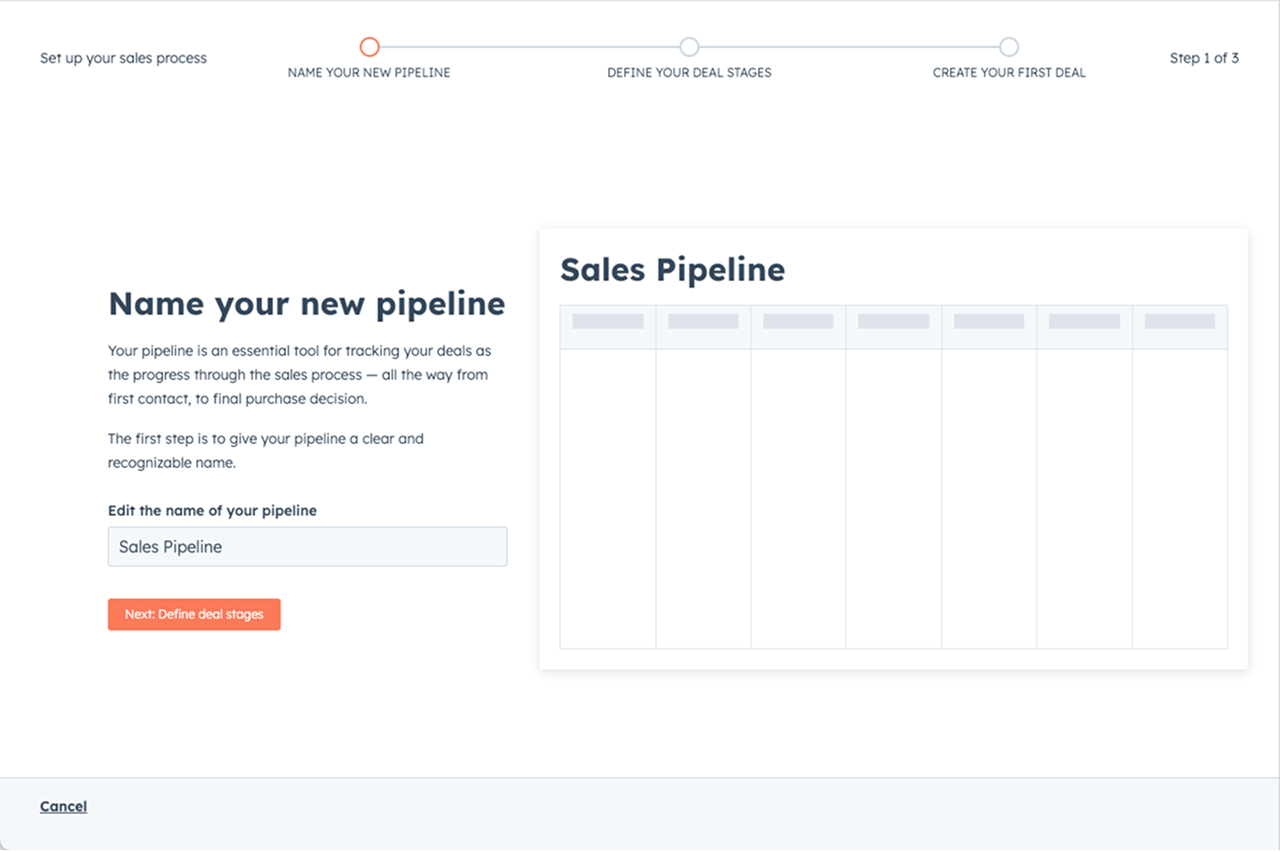
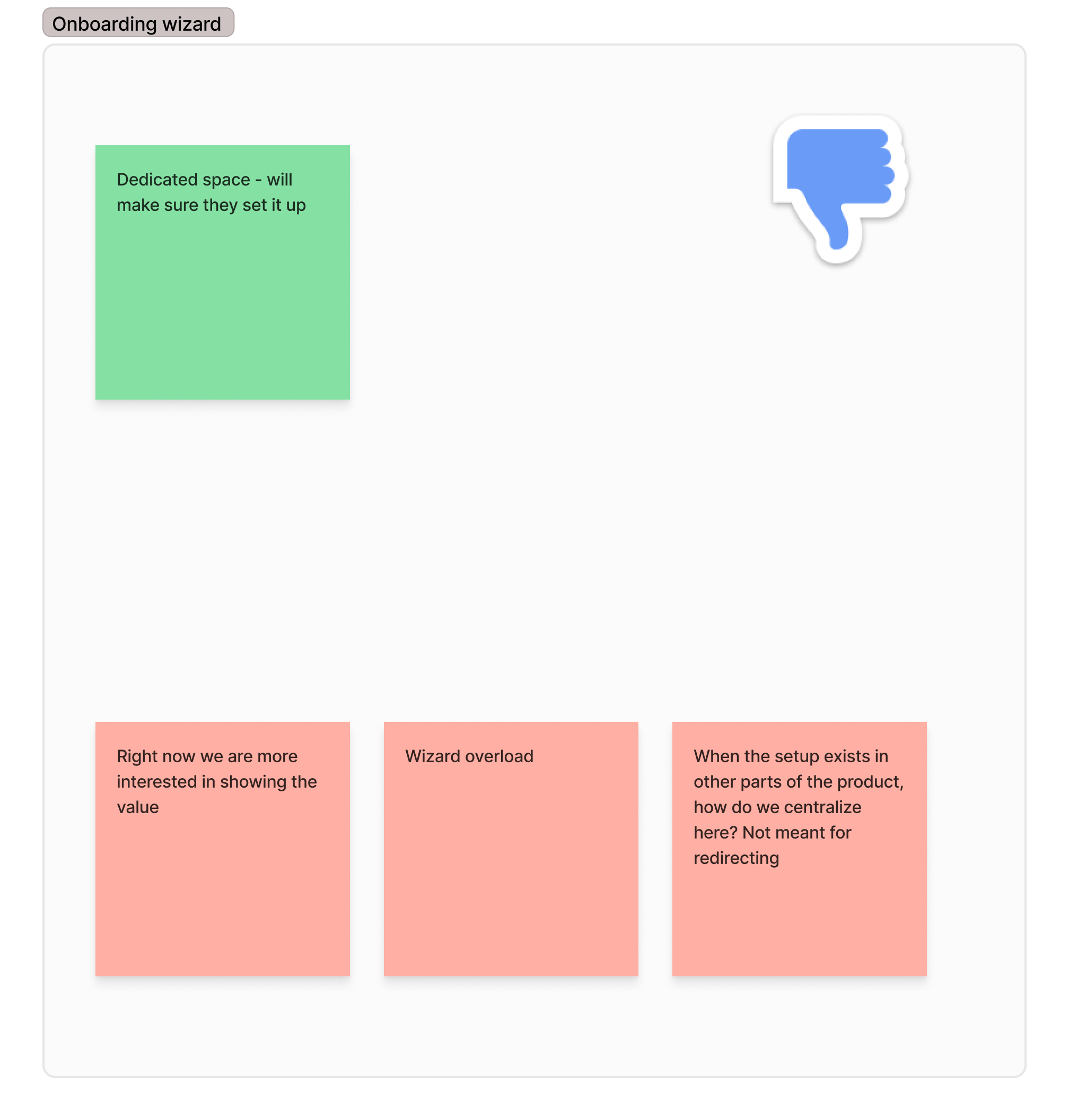
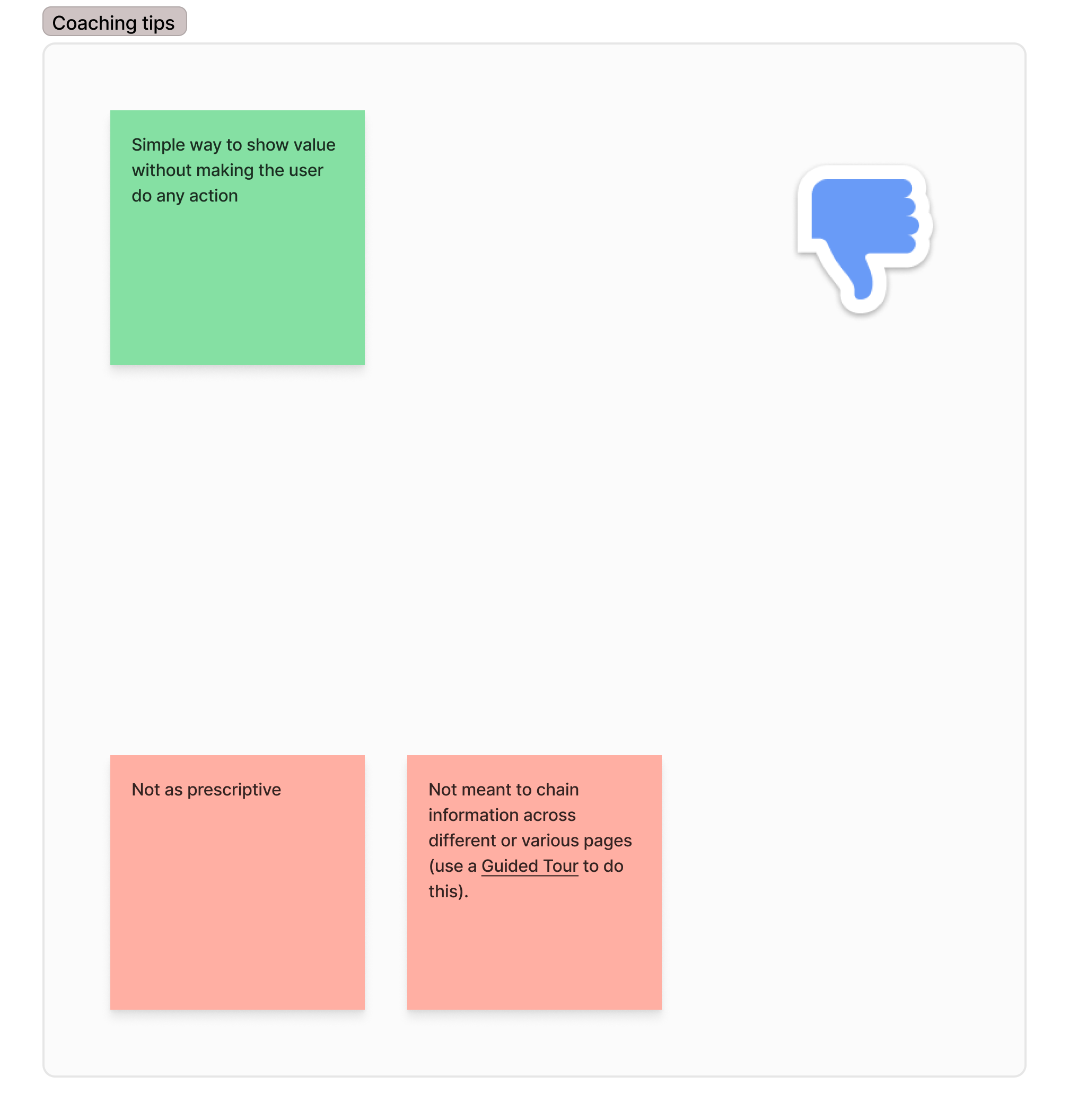
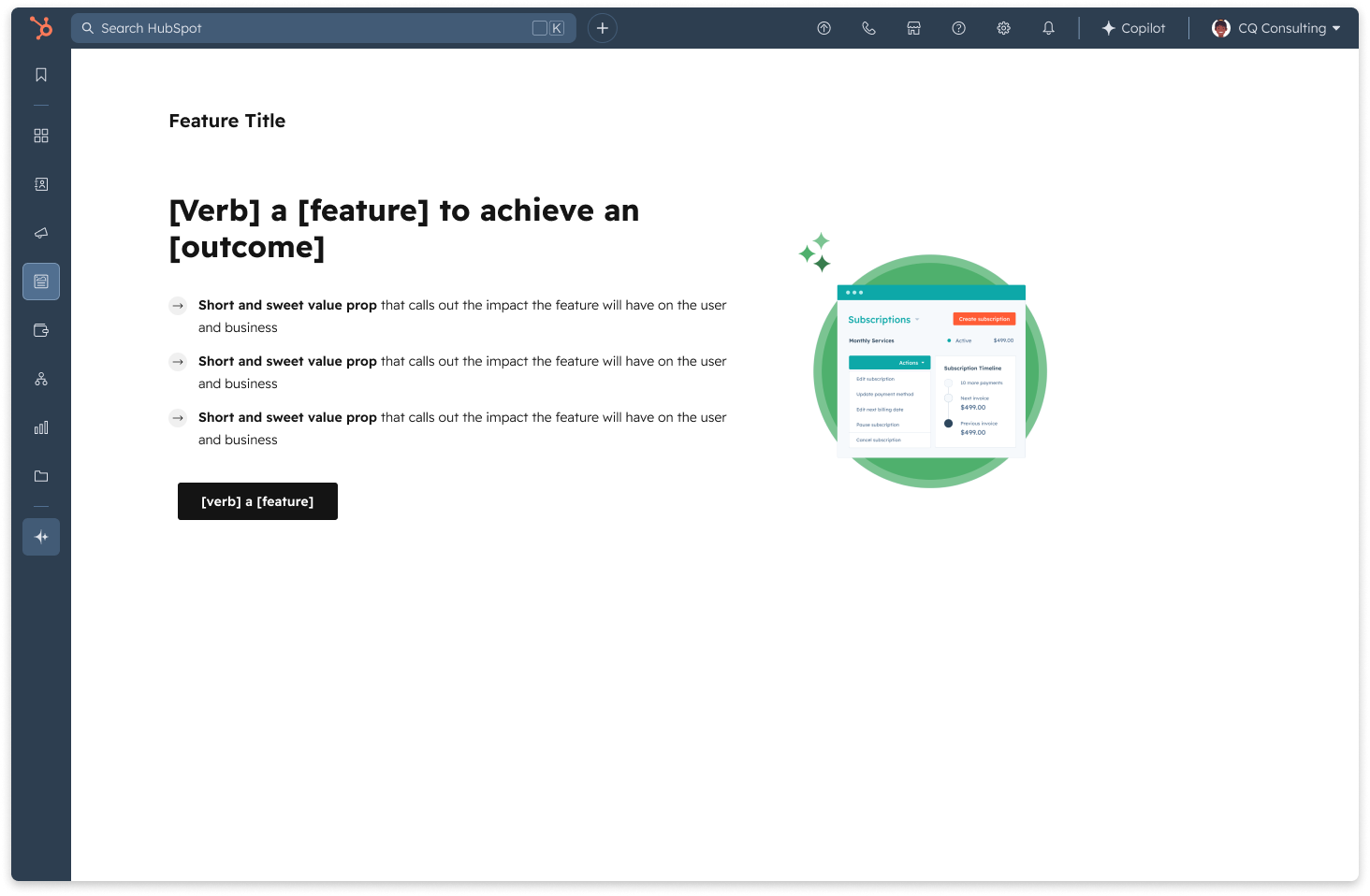
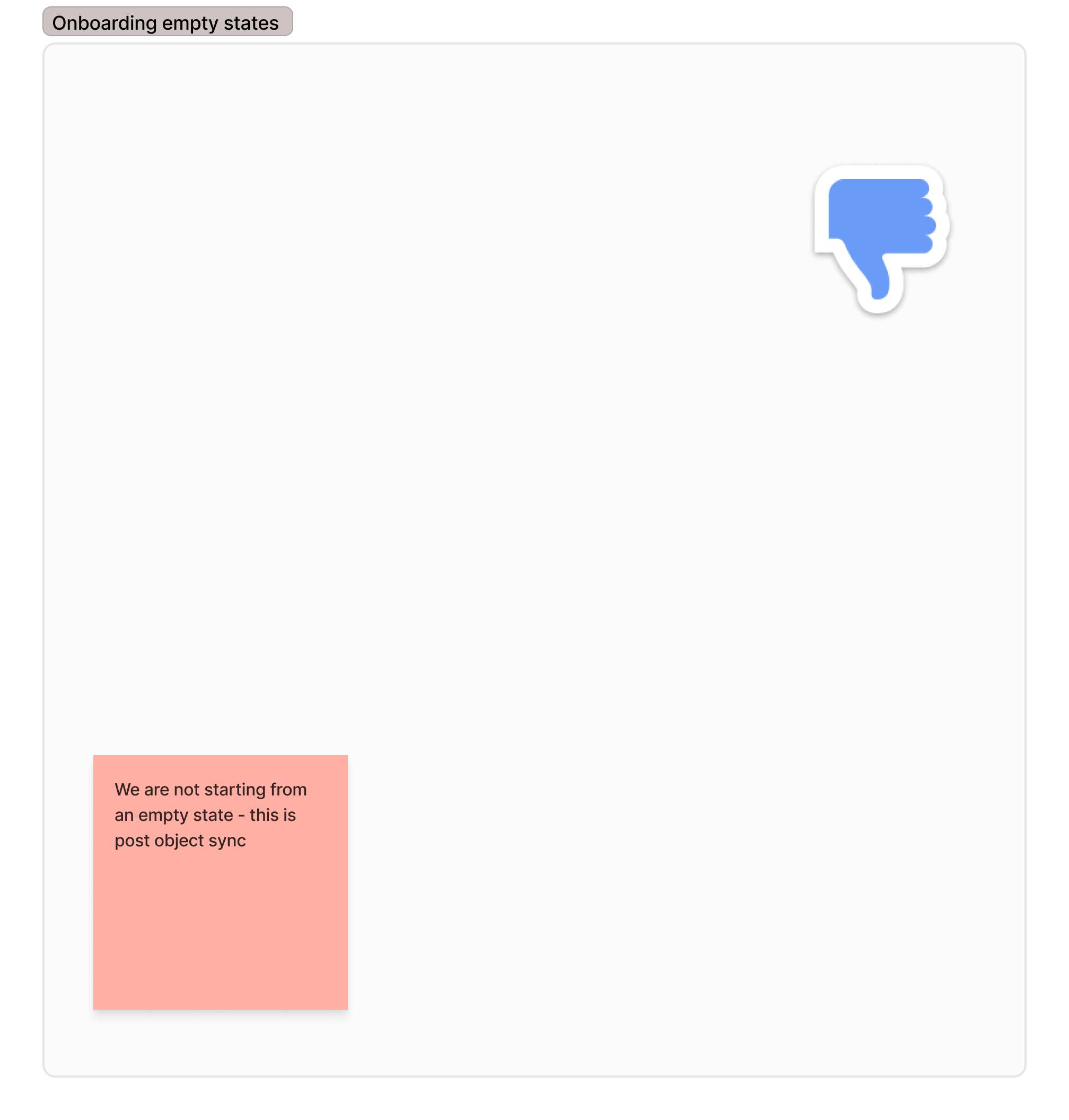
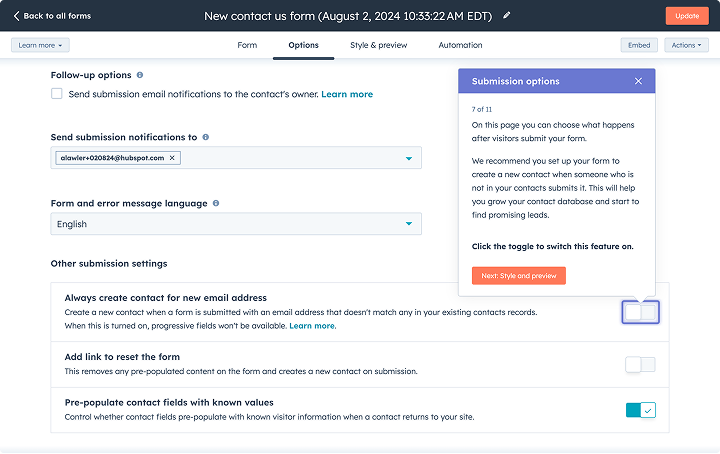
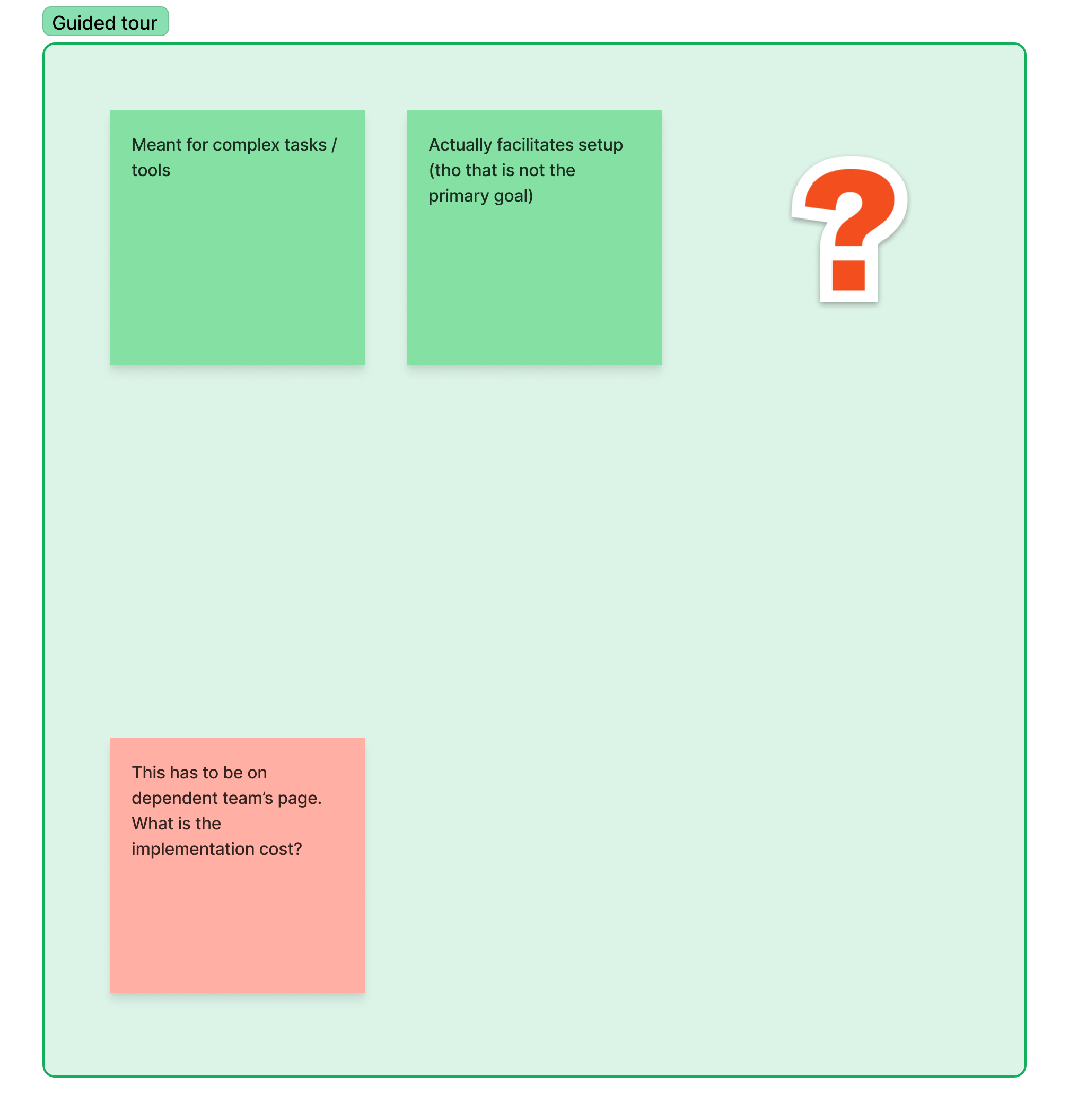
Based on the above analysis, I explored the demo mode and guided tour further, and landed on the demo mode as it fulfilled our design goal of showing the customer a quick overview better, and was more scalable to other integrations in the future if needed.
Something about the launch at IN 2025
Agent usage metrics
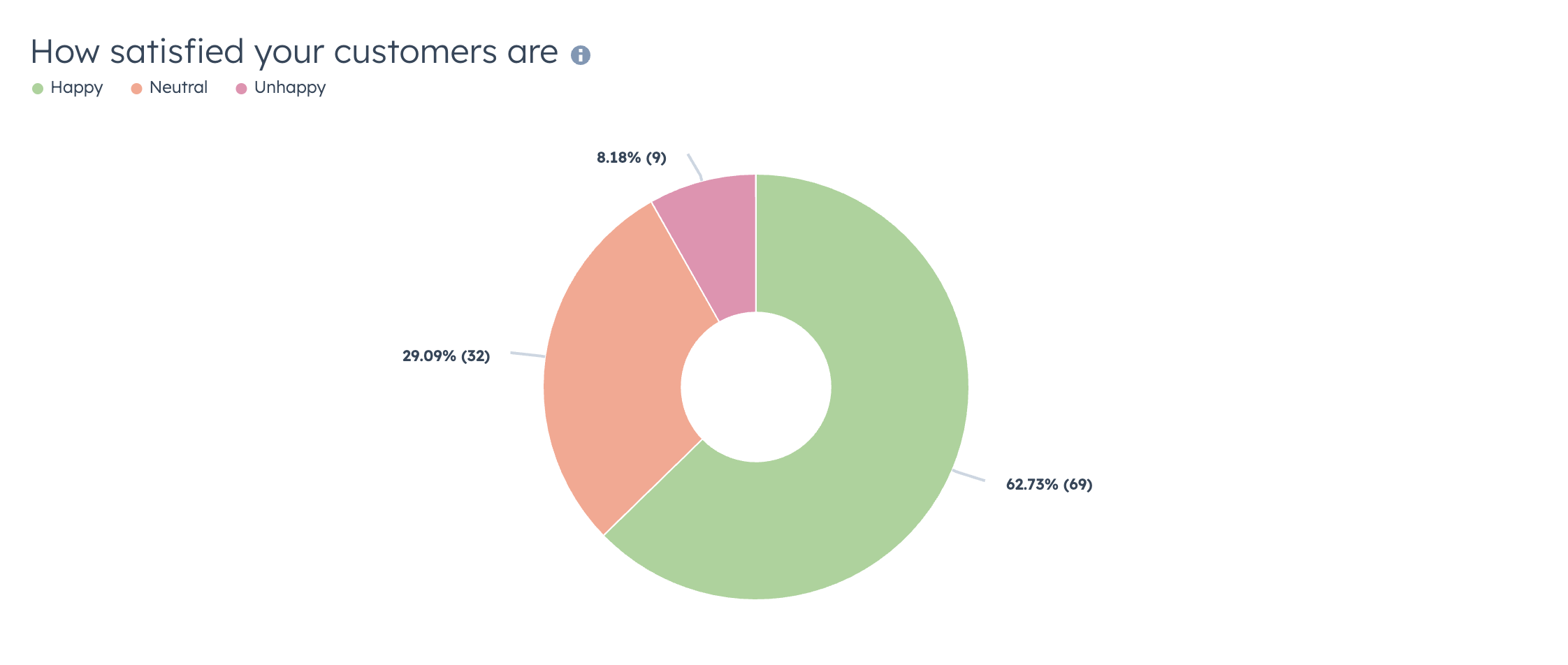
Upon completion of the demo mode, customer satisfaction was tracked with the feedback survey (happy / neutral / sad with an optional open text field) to assess how customers felt about the demo mode. Users appreciated the clarity and brevity of the demo, frequently labeling it as “short and sweet.” On the flip side, there was a desire for more comprehensive guidance on setting up email flows and mapping previous deals to new systems, and desiring more depth of onboarding details provided. Users showed interest in additional resources, such as video tutorials or interactive elements to enhance understanding.
Qualitative customer feedback + further ideas
I worked closely with the product analyst to define the success metrics to track for this project.
Business & product strategy pivot
Upon completion of the demo mode, customer satisfaction was tracked with the feedback survey (happy / neutral / sad with an optional open text field) to assess how customers felt about the demo mode. Users appreciated the clarity and brevity of the demo, frequently labeling it as “short and sweet.” On the flip side, there was a desire for more comprehensive guidance on setting up email flows and mapping previous deals to new systems, and desiring more depth of onboarding details provided. Users showed interest in additional resources, such as video tutorials or interactive elements to enhance understanding.
Proactive actionable recommendations
I worked closely with the product analyst to define the success metrics to track for this project.
Design vision for insights framework
This project was praised by the Product Group leadership and the broader team for its iterative, thoughtful experimental approach - here's a snapshot of some of the feedback received.
.png)
Lessons in designing for agents and AI powered insights

Got a role in mind? Reach out - let's create real customer value together.
